A Visualping alternative without the box-drawing step
Visualping is the more established tool, with a browser extension, a genuinely free tier and, as of recently, its own AI summaries, so this is a closer call than most of these comparisons. PageDiff wins on a few specific things: you describe what to watch in plain English instead of drawing a box, every alert carries a graded significance score rather than a yes/no flag, and the whole service is EU-hosted and GDPR-compliant. But if you want a free browser extension, a free-forever plan, or the broadest set of integrations, Visualping is still the stronger pick.
Visualping is the biggest name in website change monitoring, and it has closed a lot of the gap that older comparisons relied on: it now writes plain-language AI summaries and lets you add a natural-language prompt to filter alerts. So this isn't a lopsided pitch. The table below runs both directions: where PageDiff genuinely does something different, and where Visualping is the better tool.
| Feature | Visualping | PageDiff |
|---|---|---|
| What to watch | Draw a box around an area or pick an element, in visual, text, element, or full-page modes. A natural-language prompt can be layered on top, but only to filter which detected changes alert you, not to choose what to watch | Describe it in plain English, with no CSS selectors or XPath |
| Change detection | AI writes a plain-language summary of each change and tags it important or not: a binary yes/no, not a graded score. Included on every plan | AI writes a plain-language summary and scores how significant each change is |
| Alert channels | Email, SMS, Slack, Microsoft Teams, Discord, Google Sheets, webhooks, Zapier & API, but native Slack/Teams and API are reserved for Business plans | Email, Slack, Discord, and signed webhooks |
| Data residency | Operated by Webmonitoring Technologies Inc. (Vancouver, Canada); the site and services are hosted in Canada and governed by the laws of British Columbia. Its terms state EU data is transferred to Canada, which 'does not have the same data protection laws as the EU' | Hosted in the EU; GDPR-compliant, EU-operated |
| Getting started | Free-forever tier of 5 pages and 150 checks a month (about a daily check each); an account is required, and shorter intervals plus team features need a paid plan | 14-day free trial of the Starter plan: 10 monitors and 1,000 checks/month |
| Plan differences | Native Slack/Teams, advanced reports, one-year data retention, API/integrations and custom AI prompts are gated to Business and Solutions tiers | Every plan is fully featured; plans differ only by scale |
Visualping's details were verified against visualping.io in July 2026, and this comparison is dated so you can see how current it is. Products change, so if anything here is out of date, tell us and we'll correct it.
Where to look, or what matters
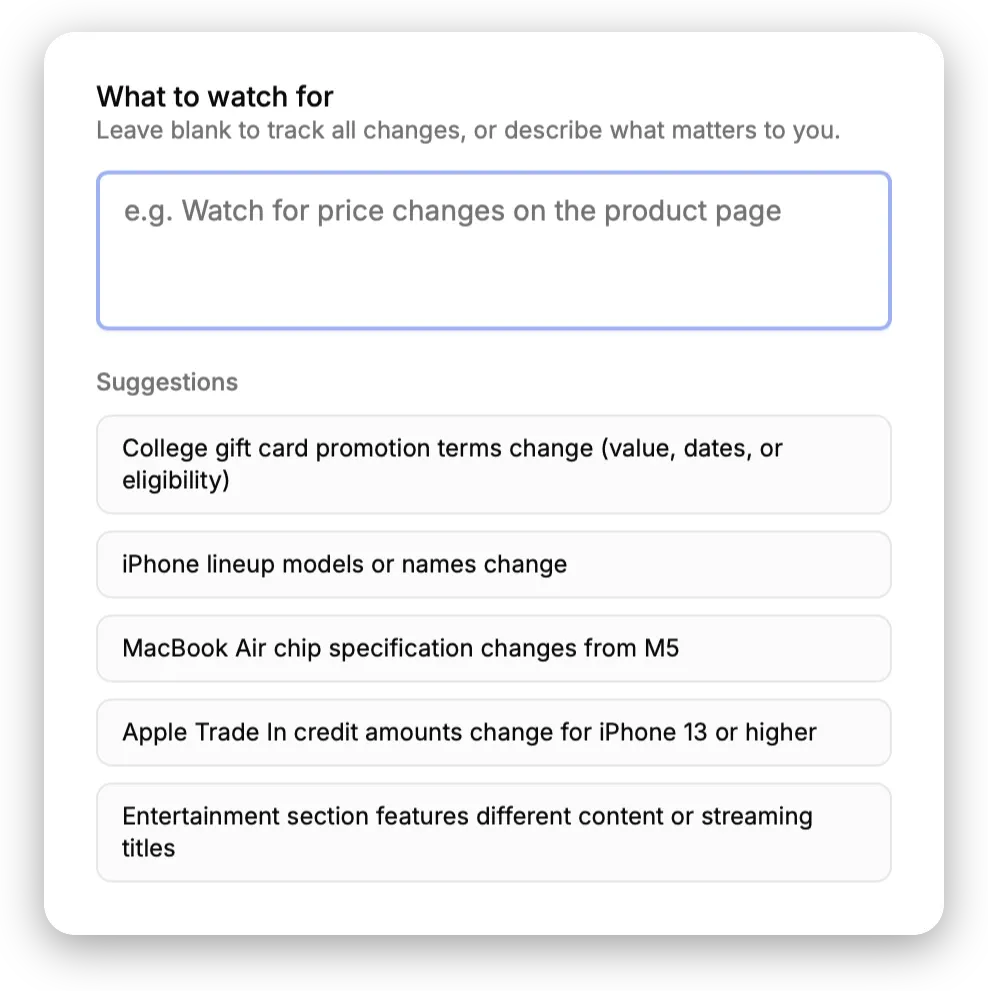
Visualping grew up around a browser extension, and the workflow still starts the same way: open a page, pick a mode (visual, text, element, or the whole page) and draw a box around the part you want to track. It’s precise, and if you think about monitoring as “which region of the page do I care about?”, it fits your head well. Visualping has also added an AI layer: you can write a natural-language prompt that decides whether a change is worth an alert, and every change now comes with an AI-written summary.
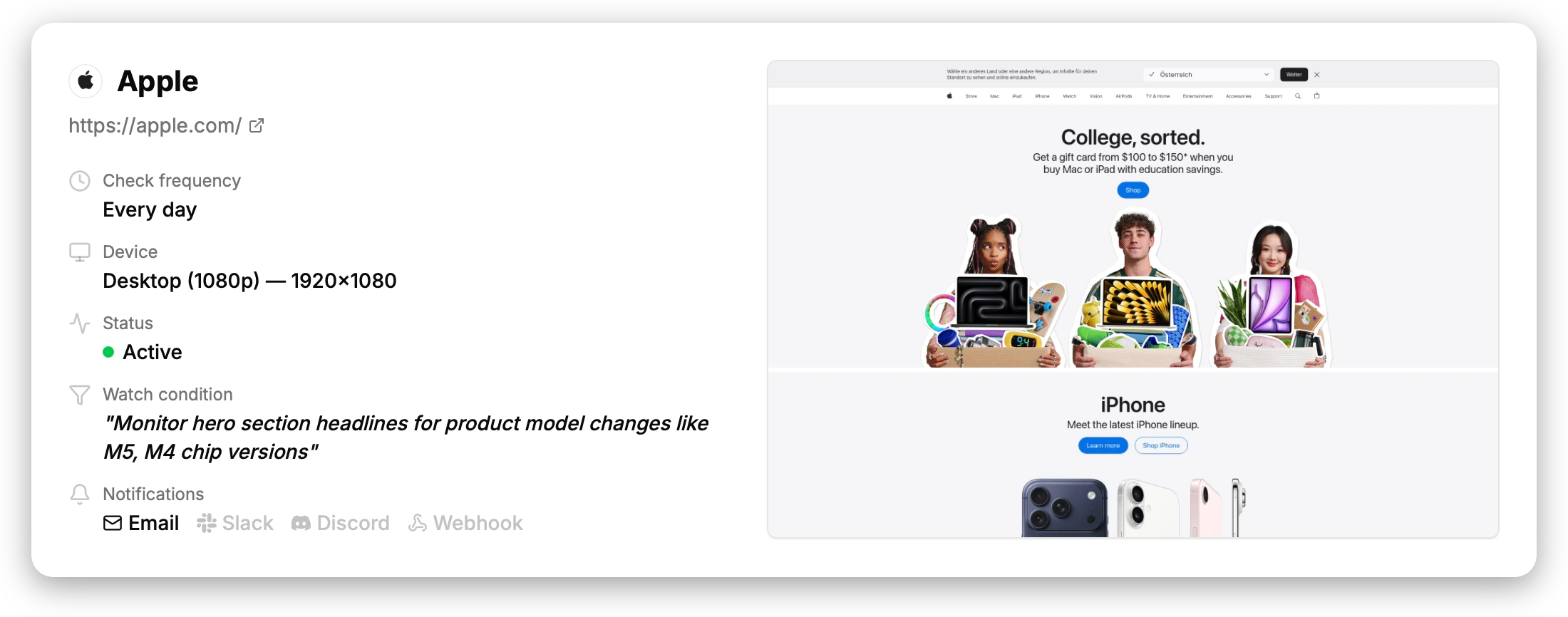
PageDiff starts from the other end. You don’t tell it where to look; you tell it what you’d want to hear about, in plain English. Something like “tell me if the pricing table changes, but ignore the cookie banner and the footer”, and that sentence is the monitor. No box, nothing to install. When something moves, an AI writes up what happened and scores how much it matters.
People usually care about the outcome rather than the element that holds it: whether pricing changed, whether a terms page moved, whether a job posting came back. That’s the bet PageDiff makes. Plain English is the setup, not a filter you add afterward. In Visualping the prompt still sits on top of an area you selected first; here it’s the entire thing.
The case for PageDiff
The clearest infrastructure difference is data residency. Visualping is run by Webmonitoring Technologies Inc. out of Vancouver; the service is hosted in Canada and its terms are governed by British Columbia law. Those terms tell EU visitors, in plain words, that using the service transfers their data to Canada, which “does not have the same data protection laws as the EU.” PageDiff is EU-hosted and EU-operated, with snapshots kept under EU jurisdiction. If your procurement review has a question about where data sits, the two answers are different.
Setup is the difference people tend to notice first. Visualping’s prompt filters what you’ve already boxed in; PageDiff has no boxing step at all. It sounds minor until a redesign moves the elements. PageDiff doesn’t depend on any element staying where it was, because there’s no selector to invalidate.
The graded significance score is one we didn’t expect to lean on as hard as we do. Visualping tags a change important or not, yes or no. PageDiff scores how significant it is, and we figured that was a nice-to-have until people started using the score itself to sort and mute alerts. A reworded sentence and a dropped plan aren’t the same event, and a single on/off flag treats them like they are.
No feature ladder to climb, either. Every PageDiff plan is fully featured, so you’re only paying for scale. Visualping keeps native Slack and Teams, advanced reports, one-year retention, API access, and custom AI prompts for its Business and Solutions tiers, and Business starts at $100/month.
Where maturity wins
Visualping is the more mature product, and it leads in a few concrete places:
- A browser extension. One click to start monitoring the page you’re already looking at. PageDiff runs in the cloud: nothing to install, but also no on-the-page setup.
- A free-forever tier. Visualping’s free plan (5 pages, 150 checks a month) doesn’t expire. PageDiff gives you a no-signup preview and then a 14-day trial, which is good for evaluating but isn’t a permanent free plan.
- More channels. SMS, Microsoft Teams, Google Sheets, Zapier, and a public API, on top of email, Slack, Discord, and webhooks. PageDiff’s set is smaller. (The catch: Visualping puts the best of those behind its Business plan, where PageDiff includes its channels everywhere.)
- Maturity. A very large user base, years of iteration, polished area-selection, and a visual analyzer for image-based changes on the higher tiers. A newer product just hasn’t built those yet.
If one of those is the thing you need, use Visualping.
Picking between them
The two have converged enough that it really comes down to a few questions. Want a free browser extension, a permanent free plan, or the longest integration list? That’s Visualping. Would you rather describe what to watch than draw a box, want a real significance score instead of a yes/no flag, or need EU data residency? Then it’s worth pointing PageDiff at a page and seeing for yourself.
Easiest way to settle it is to try. Point PageDiff at a URL you actually care about below, no account and nothing to install, or compare the plans.
Try PageDiff on any page
Paste a public URL to see the live capture and the watch conditions PageDiff suggests, right here, no signup.